

Help page
A help center without building one. It fills itself from what people ask.
Not every team has a docs site, and not every link can carry a script. The help page is a link you share: search, the top answers, and a person.
Free US$0 · Starter US$19 · Team US$49 · Scale US$249 a month. One price for the whole team. No seats, ever.
What to know
What it shows
The Ask console at the top, then the ten questions asked most that already have an answer, taken from your Q&A knowledge and the gaps your team answered, then Talk to a person.
What it needs
A public bot and its direct link, copied from Put it on your site. There's no script, plugin or page of your own to change.
Which plan
Every plan. A question answered on the page counts like one asked in the Ask console.
How it works
Share it in three steps.
- 01Open Put it on your site and choose the Direct link tab.
- 02Copy the link and put it where people look for help: the support line in your emails, your social profiles, a receipt, an app's settings.
- 03Answer your top knowledge gaps as they come in. Each answer you write can join the list of most asked questions.
Goes well with
Questions
Before you start.
Can I show it inside my own site?
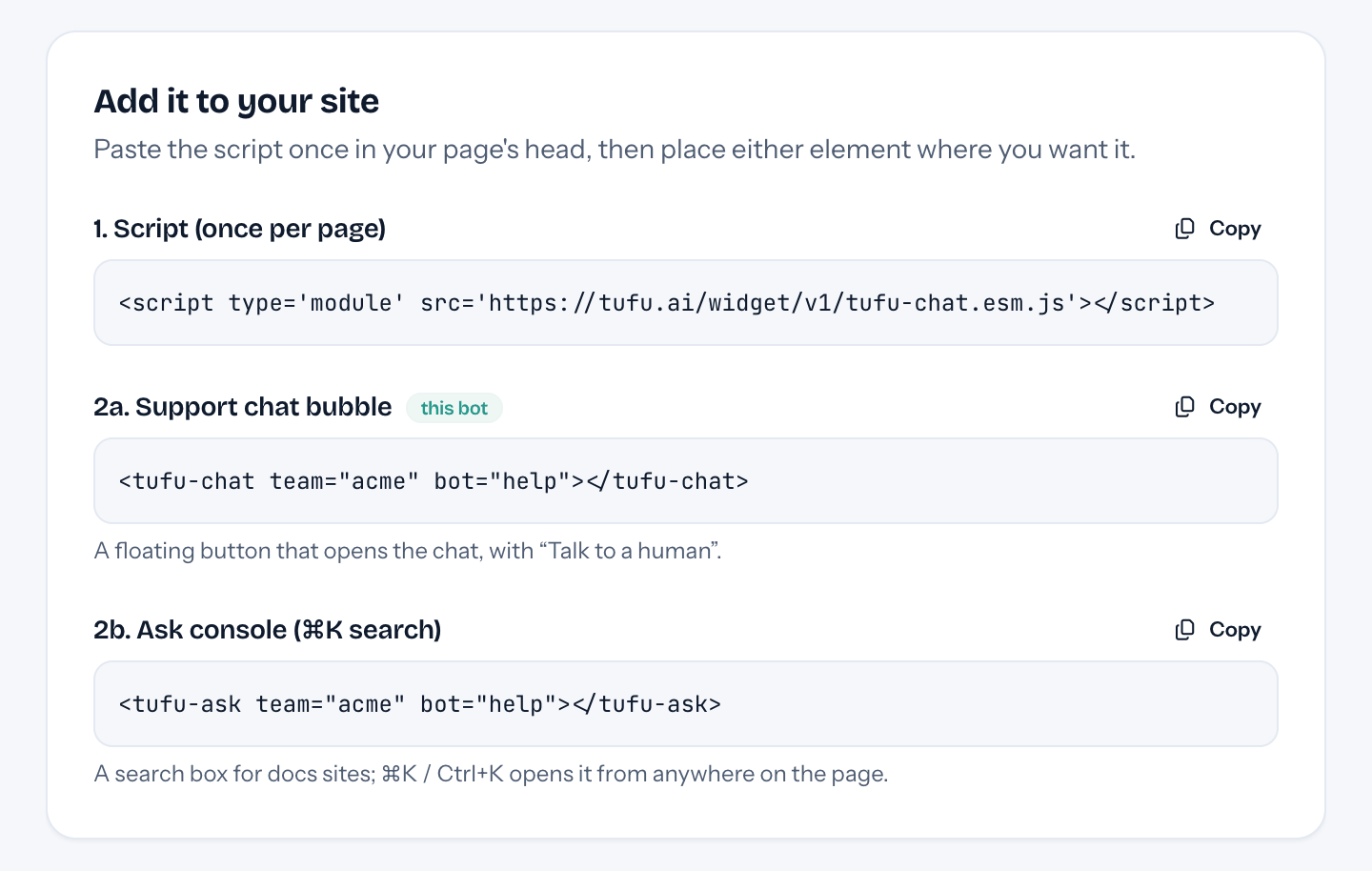
Yes. The Direct link tab also has an iframe, sized to the chat's open panel and never wider than the page it sits on.
Can it live on my own domain?
Not yet. For now it's served from tufu.ai under your team's address; custom domains come later.
How does it choose the questions?
By how many people asked. Only questions with an answer you wrote or approved are listed, so the page never shows a guess.
What does Talk to a person do?
It opens the chat with your bot, where Talk to a human hands the conversation to your team, like the bubble on a website.

Set it up before your next support email.
Free to start, no card needed. Point it at your site and it's answering in about ten minutes.