

tufu in Claude
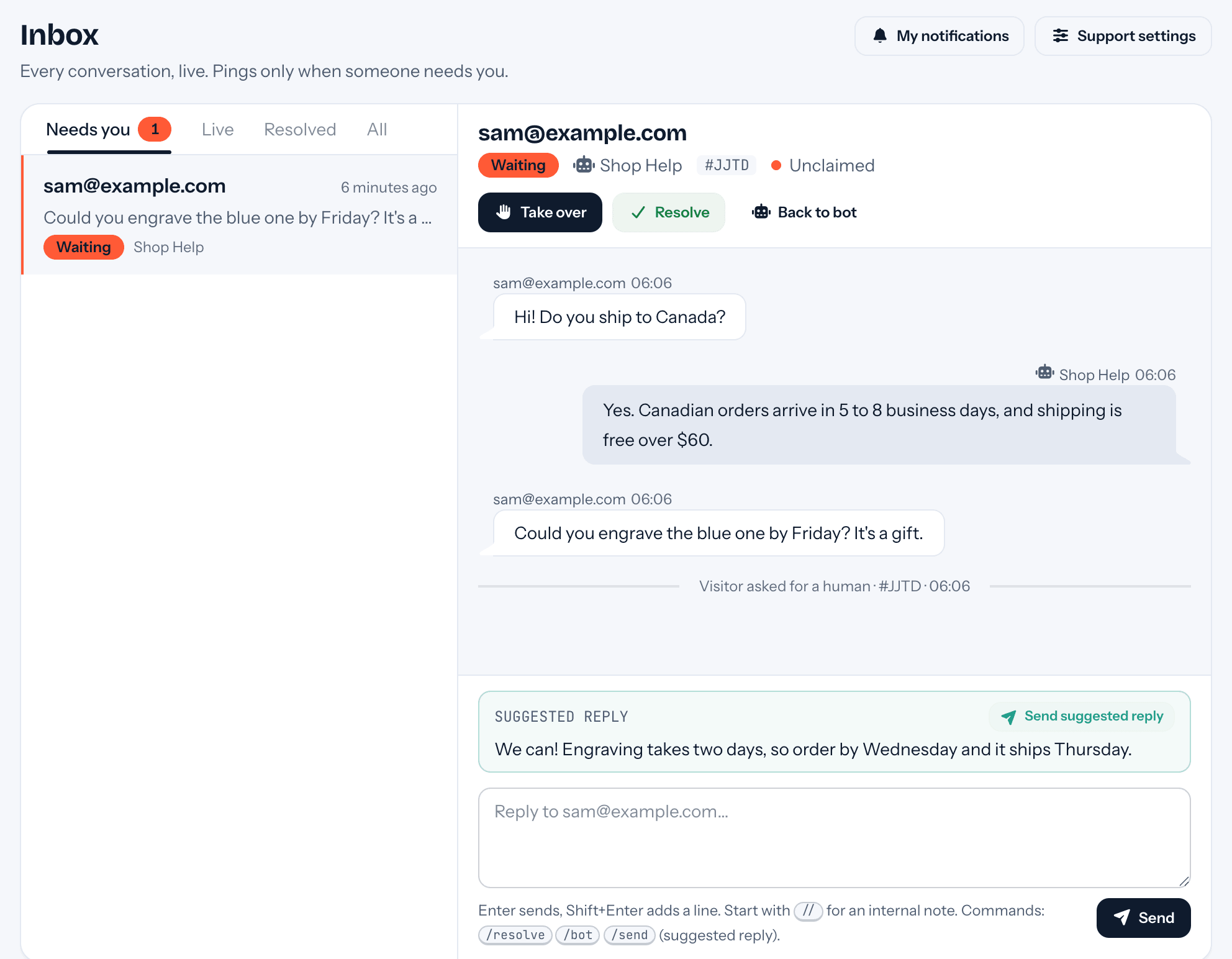
Ask Claude what needs you. Then reply without switching apps.
If you already work in Claude all day, support can come to you there. tufu's MCP server lets it read the queue and act on it, within the scopes you allow.
Free US$0 · Starter US$19 · Team US$49 · Scale US$249 a month. One price for the whole team. No seats, ever.
What to know
What it does
Gives Claude eight tools: needs_you, get_conversation, reply, resolve, list_gaps, answer_gap, add_qa and report_summary. A reply goes out as the key's member, on whichever channel the visitor used.
What it needs
An API key from Settings → API keys with the scopes you choose: inbox:read, inbox:write, knowledge:write or reports:read. Nothing defaults to write.
Which plan
Included with Team, on its own API keys, at no extra charge.
How it works
Connected in three steps.
- 01Create an API key and tick only the scopes Claude should have. Read-only is a fine place to start.
- 02Paste the copy-ready config from the docs into Claude Code or Claude Desktop, with the key as a bearer token.
- 03Ask “what needs me?”. Claude lists the waiting conversations; ask it to draft and send a reply, or to answer the top gap.
Goes well with
Questions
Before you start.
Can Claude reply to customers on its own?
Only with a key that has inbox:write, which you have to pick when you create it. Without it Claude can read and summarize, and nothing more.
Is what it does recorded?
Yes. Every write is logged with the key that made it, and each key has its own rate limits.
Does it see other teams' data?
No. The team comes from the key, so a key only ever reaches the team that created it.
Does it work in claude.ai too?
API keys come first, for the desktop and code tools. Connecting from the website needs a sign-in flow, which is a later step.

Set it up before your next support email.
Free to start, no card needed. Point it at your site and it's answering in about ten minutes.
tufu is not affiliated with or endorsed by Claude. Claude is a trademark of its owner.