

For home and local services
You're on a ladder. Your site still answers. Quote requests, ready when you're back.
People looking for a cleaner or a plumber message three companies and go with whoever replies first. tufu replies first: it answers what you do, where you work and how pricing works from your own site, then takes the quote request properly, so you call back with a number instead of a list of questions.
Free US$0 · Starter US$19 · Team US$49 · Scale US$249 a month. One price for the whole team. No seats, ever.
What to know
What it does for you
Answers which services you offer, the areas you cover, how quotes and deposits work, from your pages, and takes quote requests with the job, how big it is, the area, and a way to reach them.
What it needs
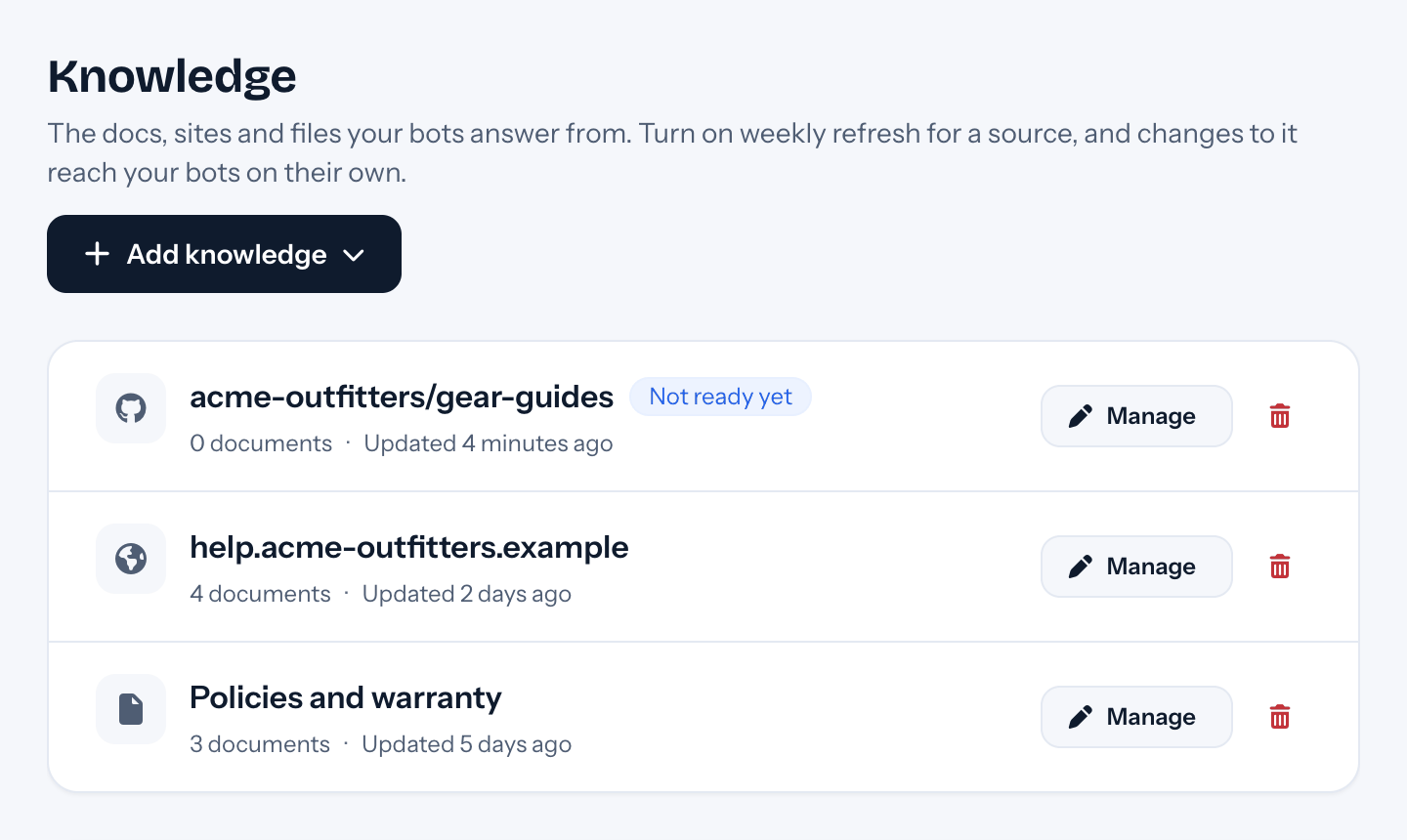
Your services page, service areas and FAQ as knowledge. If your prices live in a PDF or a spreadsheet, upload that: tufu reads spreadsheets row by row.
Which plan
Free gets you one playbook, which is all a quote request needs. Team adds the ping for every new request, business hours, and as many bots as your locations need.
How it works
Your quote form, in the chat.
- 01Add your services page, the areas you cover and your FAQ. Upload your price list if it's a spreadsheet or PDF.
- 02Start from the Quote request template, then change its questions to yours: what needs doing, how many rooms or how big, and the area or postcode.
- 03Ask for a phone number as well as an email: the phone step checks it's a real number, using a country you set for numbers written without a country code.
- 04Turn on business hours: after hours, a customer who asks for a person sees your offline message and leaves an email, instead of waiting for a reply that won't come tonight.
Goes well with
Questions
Before you start.
Can it give a price?
It can quote what your pages say, like a call-out fee or a price per room. A real number for a specific job stays with you: the bot collects the details so you can send one.
I'm out on jobs all day. How do I see new requests?
Each request is in your inbox as a lead, with everything the customer answered. On the Team plan you get an email for every new one, and you can reply from your phone.
What if someone has an emergency?
They can ask for a person at any point, and the conversation goes to whoever is on duty. Put your emergency number in your knowledge, so the bot gives it when someone asks.
Does it work for more than one location?
Give each location its own bot with its own areas and prices. One inbox shows them all, filtered by bot when you need to.

Set it up before your next support email.
Free to start, no card needed. Point it at your site and it's answering in about ten minutes.