

Knowledge is what your bot answers from. Add it under Knowledge → Add knowledge, then pick which bots use it in each bot's settings. While your team has a single bot, new knowledge is added to it automatically.
Team admins add and delete knowledge. Everyone on the team can browse and rebuild it.
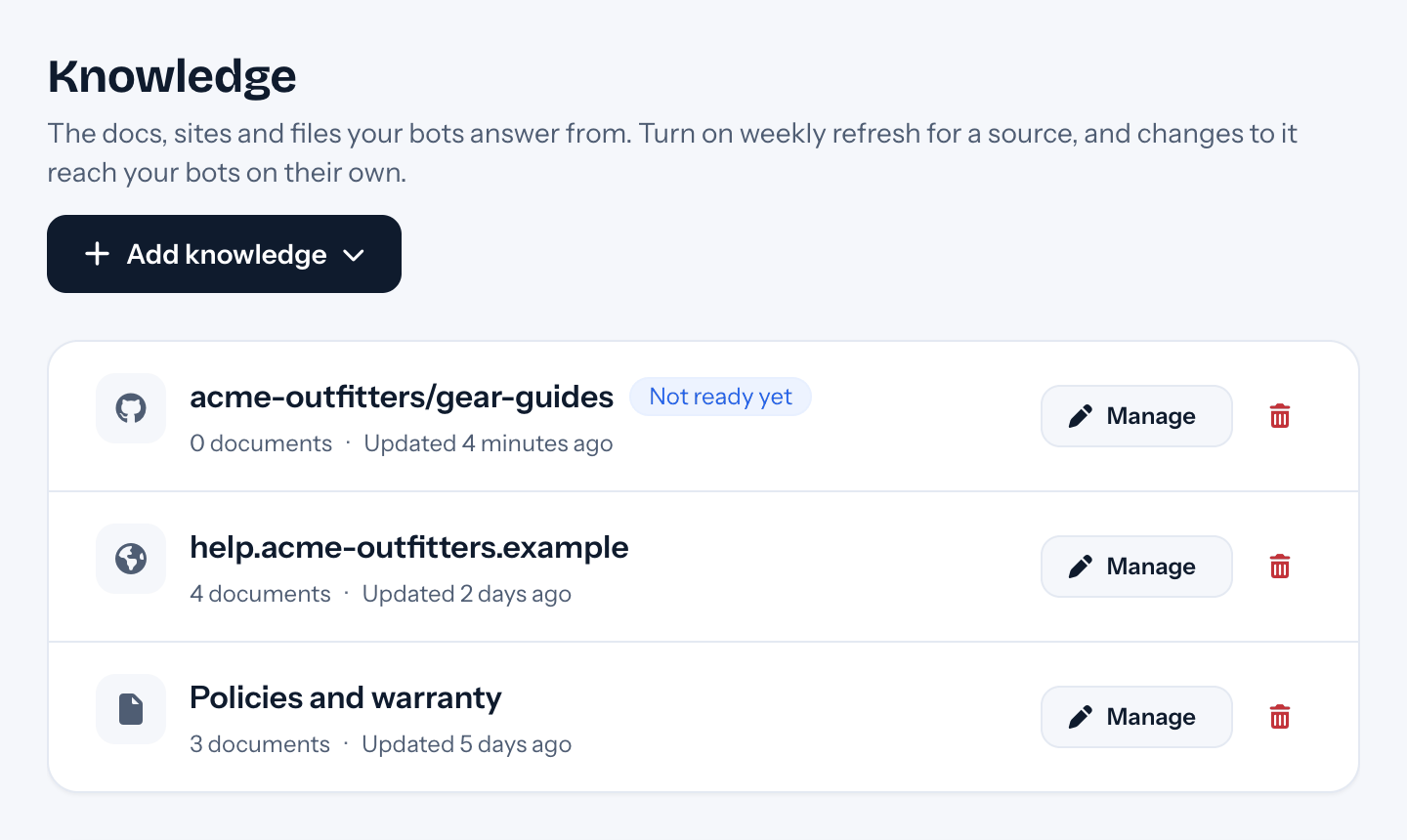
Kinds of knowledge#
| Kind | What it reads | Good for |
|---|---|---|
| Website | Pages from a list of addresses, or every page in a sitemap.xml |
Your help center, docs site, FAQ, shipping and returns pages |
| Files | PDFs, Word documents, PowerPoint slides and plain text you upload | Manuals, policies, product sheets |
| GitHub repo | Markdown or PDF files in a public GitHub repository | Docs kept in a repo |
| Zip file from a link | A zip of Markdown docs at a public link | Docs exported from another tool |
| Slack | Threads from the Slack channels tufu can see | Answers your team already gave |
| Confluence | Pages from one Confluence space | An internal or public wiki |
Website#
Enter page addresses one per line, or a sitemap such as https://yoursite.com/sitemap.xml to read a whole site.
tufu reads the text of each page and remembers its address, so answers can link straight to it.
Files#
Upload one file or several at once. Each file shows up in the source, where you can add more files later or remove one.
GitHub repo and Zip file#
Enter the repository as owner/name, or the zip's public link. Choose which files to read: Text (Markdown and
other text files), PDF, or Custom, a regular expression such as .*\.md$.
Slack#
Connect your Slack workspace first (see Slack). tufu learns from threads, the questions people asked and the answers they got, in the channels it can see.
Confluence#
Enter your Confluence address and the space key. For a private space, add your Confluence username and an API token.
Boost#
Every source has a Boost from 0 to 10. When several sources match a question, a higher boost makes that source more likely to be used. Leave it at 0 unless one source should win, like your official help center over old Slack threads.
Keeping knowledge fresh#
When your docs change, open the source and press Rebuild. tufu reads it again and your bots use the new version.
On the Team plan, Website, GitHub and Confluence sources can also refresh on their own: tick Refresh every week when you add one, and tufu reads it again each week.
Limits#
On the Free plan, a team can read up to 1,000,000 tokens of knowledge in total (a token is about four characters of text). The Team plan has no limit. See Plans, answers and packs.
Privacy#
Knowledge belongs to your team. Bots on other teams never see it, and tufu doesn't train AI models on it. To read your knowledge, tufu's own search model indexes it, whatever model your bots answer with, under terms that don't allow training on it. The providers that process your data are listed on our Subprocessors page. See also Bring your own model.