

Compare
tufu vs DocsBot
Looking for a DocsBot alternative for a small team? Both answer your customers from your docs. They differ in what you pay to remove the branding, in what happens when the allowance runs out, and in what happens when a visitor needs a person. Here are our numbers and theirs, side by side.
At the same traffic: a month of 1,000 conversations, about 4,000 bot replies. How each bill adds up
- Chatbase pricing and documentation as read on October 14, 2026; check chatbase.co for current terms.
- DocsBot pricing and documentation as read on October 14, 2026; check docsbot.ai for current terms.
- Fin pricing as read on October 14, 2026; check fin.ai and intercom.com for current terms.
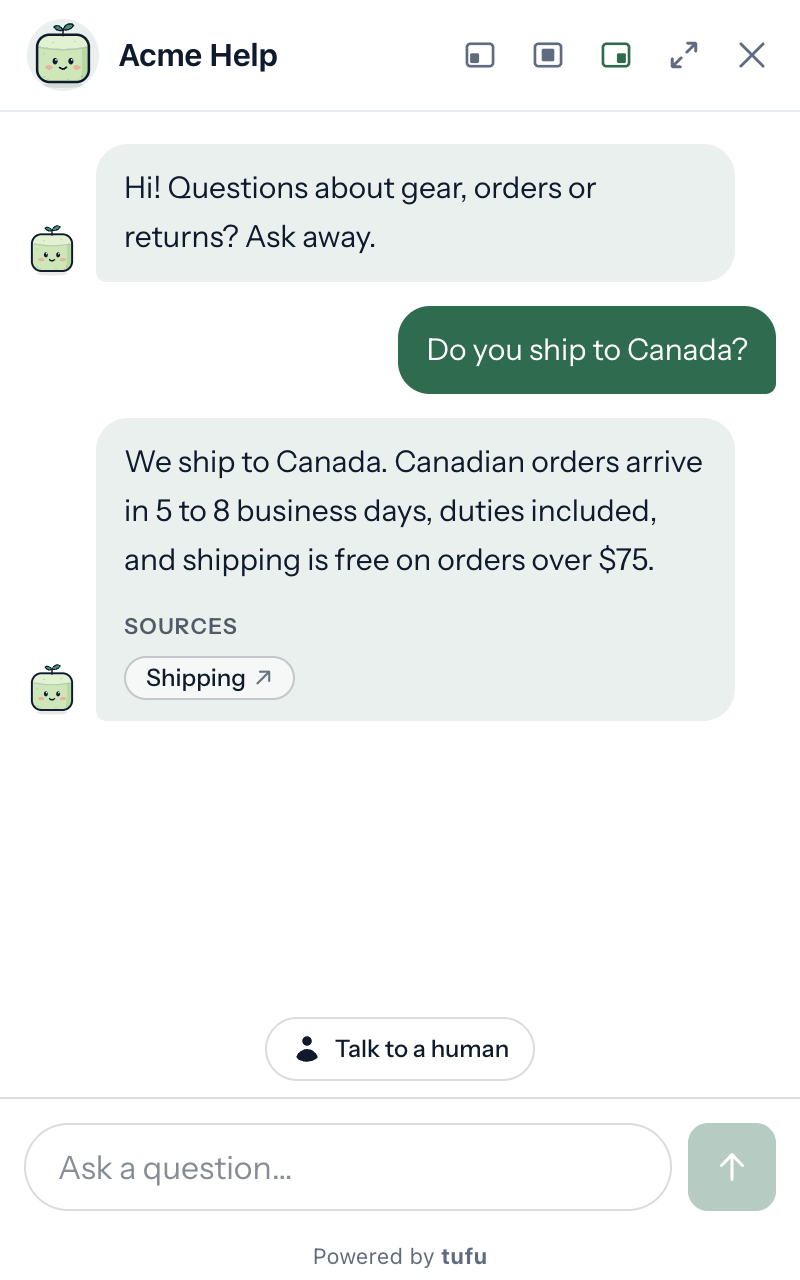
tufu and DocsBot, row by row
marks the stronger side on each row, by our reading.
| What buyers compare | tufu | DocsBot |
|---|---|---|
| Remove branding | Included in Team. | Only on Business, at $499 a month (or $416 a month billed yearly). No add-on removes it.1 |
| What you pay for | Answers. One per reply on Haiku; Sonnet and Opus count as more, and the page says how many. | AI credits, a monthly allowance. A normal reply is about 1 credit on a 1x model; larger models cost up to 50 credits a message, and actions and skill runs can cost more. With your own OpenAI key, every model counts as 1x.1 |
| Free plan | Free is $0: 1 bot, 200 answers a month on tufu's AI and 1,000 on your own AI key, with human handoff. “Powered by tufu” is shown. | Free for personal use, no card needed: 1 bot, 50 source pages, 100 AI credits a month and 1 team user. No Slack, Messenger, WhatsApp or Telegram.1 |
| Entry plan | Team at $49 a month or $490 a year: 4,000 answers, unlimited bots and teammates. | Personal at $49 a month, or $41 a month billed yearly: 1 bot, 5,000 AI credits a month and 1 team user.1 |
| When the allowance runs out | The bot pauses on tufu's AI until next month, and visitors can still ask for a person if your bot offers it. Nothing is billed after the fact: on Team, add a prepaid pack, or let auto-recharge buy one under a monthly limit you set. | The bot stops answering and shows visitors an error until you upgrade, add credits, or the calendar month resets. Extra credits are a $49 a month add-on for 5,000 more a month, renewing every month until you remove it; auto-add can buy one when you run out.1 |
| Inactive bots | Never deleted for being quiet, on any plan. | Their pages disagree. Their Terms say a bot's data may be deleted 30 days after creation on the free plan, or when a paid subscription lapses, and may be unrecoverable 14 days after an account becomes inactive. Their pricing table says the free plan has “No 30-day expiry”.1 |
| Human handoff | On every plan: a ping with a summary and, when your docs cover it, a drafted reply. You answer by replying to the email, no login needed. On Team, in Slack too. | The widget's support link sends a visitor to your own help desk or live chat. As of October 14, 2026, their docs and pricing describe no inbox where your team takes over a chat. AI-drafted escalation tickets need Standard ($149 a month) or above, and their voice agents (beta) can transfer a call.1 |
| Help desk integrations | None: a handoff comes to tufu's own inbox, and you reply from there or from the email. On Team, from Slack too. | Drafted replies inside Help Scout (from Standard), and setup guides for Freshdesk, Zoho Desk, Zendesk, Salesforce Service Cloud, FreeScout and Teamwork Desk.1 |
| Where it answers | A chat bubble on your site, an Ask console in your docs, a WordPress plugin, email, Slack and Discord. | More places than tufu: Messenger, WhatsApp, Telegram, the phone (voice agents, beta, from Standard) and an MCP server. Like tufu, also your website (with guides for WordPress, Shopify, Squarespace and Wix) and Slack. As of October 14, 2026, their docs and pricing show no Discord or email channel of their own.1 |
| Actions | None, by design. The bot answers from your docs and hands anything that needs doing (a refund, a plan change) to a person, with a reply already drafted. | 3, 8 or 12 actions per bot by plan: Calendly, Cal.com and TidyCal bookings, custom buttons, Zapier and remote MCP. Stripe billing lookups, web search and Skills from Standard.1 |
| Installation help | Free with Team: we put tufu on your site with you. | Self-serve, with docs, an AI helper and email support; priority support on Business and integration help on Enterprise. Partners can set it up for their own fees. As of October 14, 2026, no done-for-you setup is listed on self-serve plans.1 |
| Security | No SOC 2 report yet. Our AI providers don't train on your data. With your own key, your agreement with that provider applies. How we handle it: our Privacy Policy. | SOC 2 Type II, GDPR compliance, a standard DPA and client-side PII redaction listed on Business. HIPAA, single sign-on, a custom DPA, data residency and self-hosting on Enterprise. Their trust center lists a SOC 2 Type II report.1 |
- DocsBot pricing and documentation as read on October 14, 2026; check docsbot.ai for current terms.
See it answer from your own docs.
In fairness
When DocsBot is the better choice
- You need the bot on WhatsApp, Messenger, Telegram or the phone (their voice agents are in beta).
- You already use Help Scout, Zendesk, Freshdesk or Intercom and want AI inside it: drafted Help Scout replies, or the widget handing visitors to the chat you already run.
- You want the bot to do things, not only answer: Stripe billing lookups, Calendly or Cal.com bookings, Zapier, MCP tools and custom Skills.
- Your buyers ask for SOC 2 Type II, a DPA, single sign-on or HIPAA today.
- You want it on your own Azure OpenAI service, or self-hosted (their Enterprise options).
If none of those is you, and your support is a small team's side job, tufu is built for that. Try it free on a real site and see the whole loop before you pay anything.

Set it up before your next support email.
Free to start. Point it at your site and it's answering in about ten minutes.